What can you do with an AI browser?
I've been using an AI browser for a few days, so thought I'd share some examples of what you can do with it. I've tried to think of tasks that I often find myself doing when online, that I find tedious.
Background
It's easy to suffer from AI fatigue at the moment. We're bombarded with new product launches, endless webinars and presentations (some of which I'm responsible for, sorry), marketing spam, and let's not forget the LinkedIn posts telling you that "you are prompting wrong".
Given the deluge of AI-related news, it's easy to miss some of the genuinely useful releases that have happened recently. I've already covered the Nano Banana image editing model that's part of Google Gemini—which is particularly useful for enhancing and colourising old photographs. But I've not yet covered an "AI browser". This is mostly because I had initially dismissed them as not being useful to me. Well, I recently installed the Comet browser, and I have to say, it's actually quite useful.
The Comet browser is a free (currently) AI-native web browser developed by Perplexity. Its key differentiator is that it has a built-in AI assistant that can help you with a wide range of tasks, from the mundane to the complex.
Most importantly, it can perform actions on websites e.g. it can navigate UIs, fill in forms, wait for elements to load etc. If it fails or hits a dead end, it's "smart" enough to try again using a different approach.
Below are some examples that I've had some success with in my limited usage.
Examples
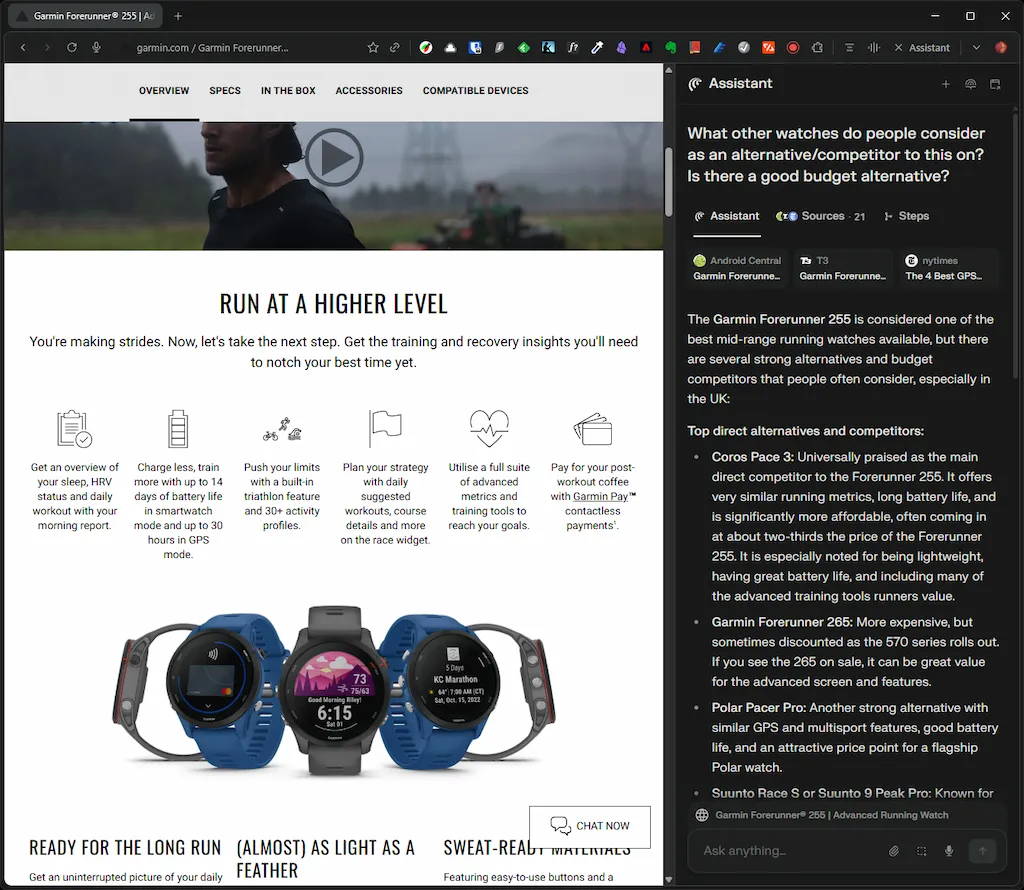
Look for alternative/competing products
While on a product page, ask the AI to find competing products.
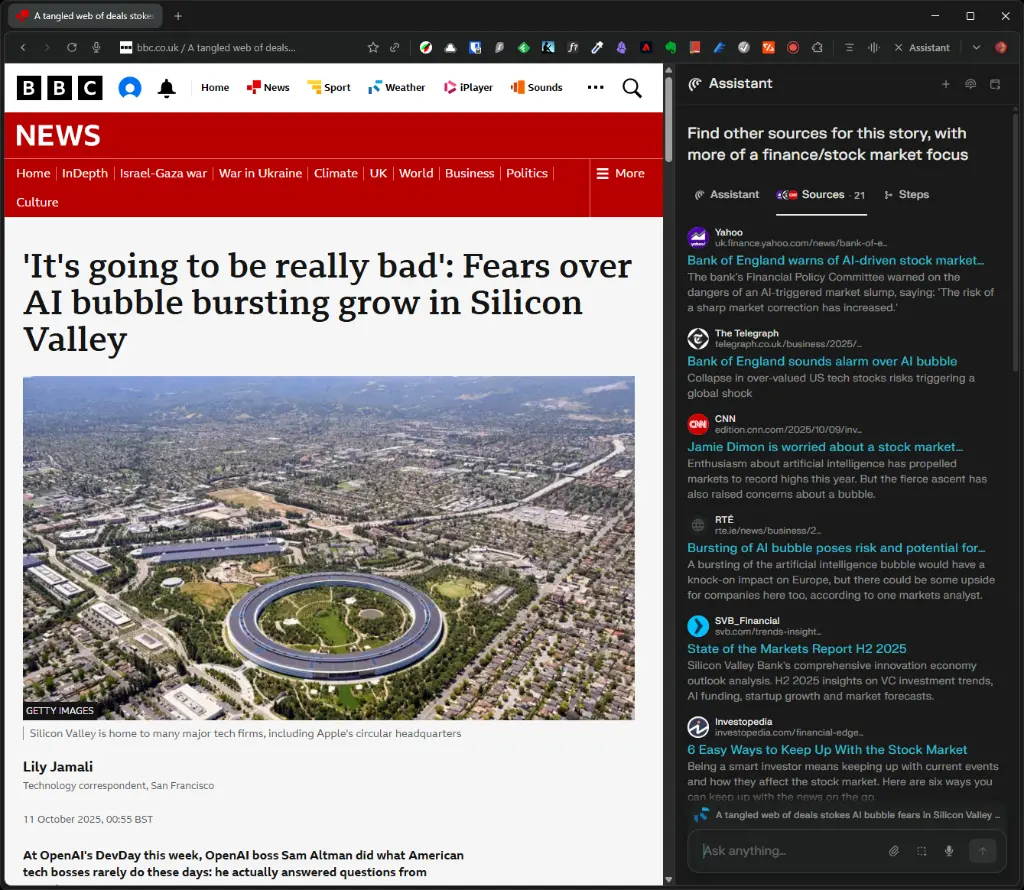
Get a broader view of the news
Get a different perspective on the news. While reading a news story, ask the AI to find other sources.
Of course, we should all be using Ground News for this, but if you happen to be on a news site that's not Ground News, then this might be handy.
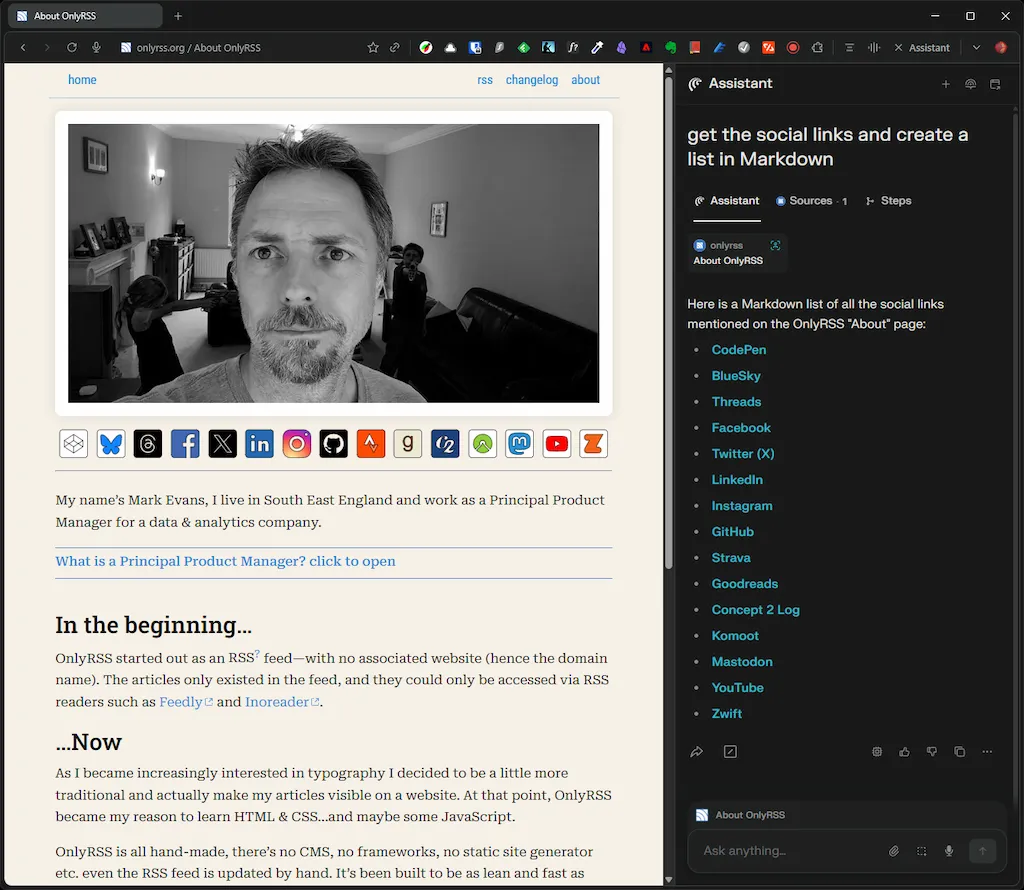
Easily extract data from websites
Extract data from a website that would otherwise be difficult or time consuming to get manually e.g. lists, links etc. and then output in your preferred format.
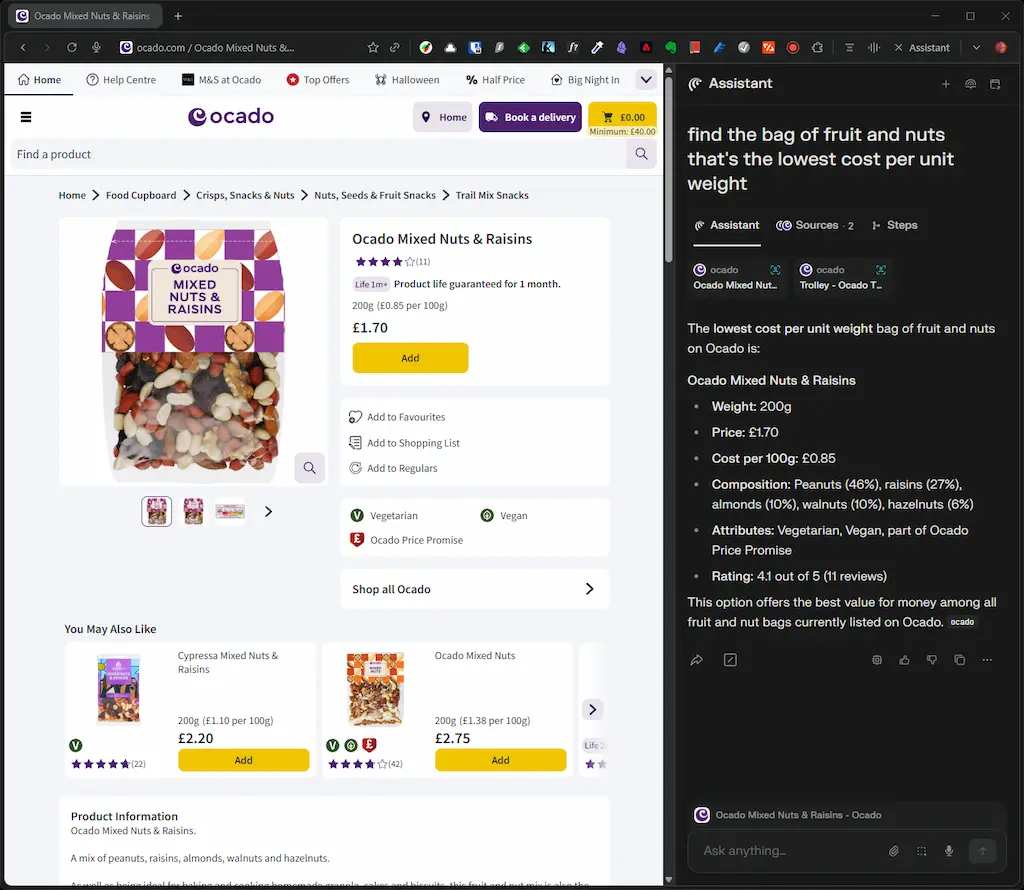
Help you get the best price
Get the AI to do the tedious stuff for you. For example, find the best price (per unit/weight/volume) while doing the weekly shop.
I actually did this manually before I got access to Comet. And I thought I'd found the cheapest price per unit weight for a bag of fruit & nuts, but when I then tried this search with Comet the following week, it found a cheaper option. Whereas I had searched for "fruit and nuts", Comet had tried that, but it then also tried "raisins and nuts", and that's where the cheaper option was. Note to the people at Ocado, you need to add semantic search!
Manage Docker containers 🤓
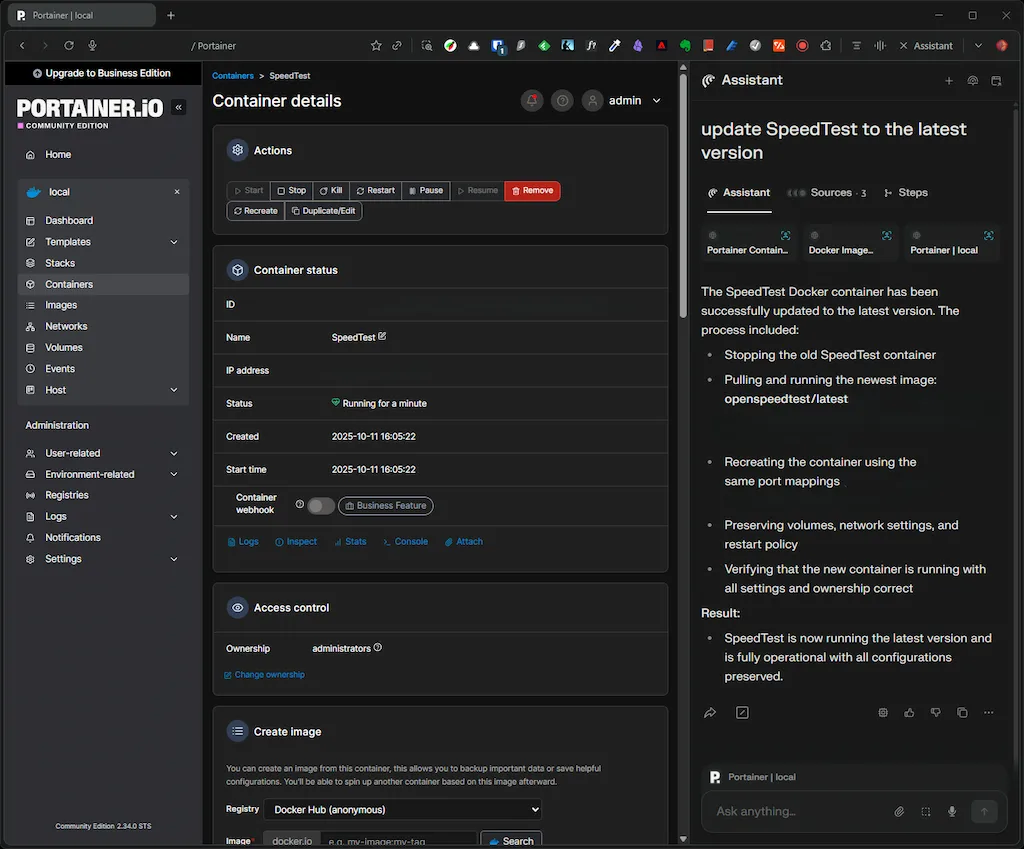
Ok, this one is a little niche, but I wanted to give the AI a slightly more complex task, and updating a Docker container seemed like a good test. I use Portainer on my NAS to manage my Docker containers, so I asked the AI to upgrade one of the running containers (SpeedTest) to the latest version.
It performed the following steps:
- Stopped the existing SpeedTest container
- Pulled the latest SpeedTest image from the registry
- Recreated and started the container with the same settings (including ports) and ensured the config was preserved
- Verified the container was running and had upgraded to the latest version
This is particularly impressive because it required the AI to navigate a complex web interface, understand Docker concepts, and execute multiple sequential operations without any errors.
Conclusion
I've only been using Comet for a few days, but I'm already finding it useful. It's not perfect, and it can be a little slow at times, but it's already saved me time and effort on a few occasions.
I'll be sticking with it over the next few weeks at least, and I'll be interested to see if I continue to use the AI features or end up using it like any other browser.